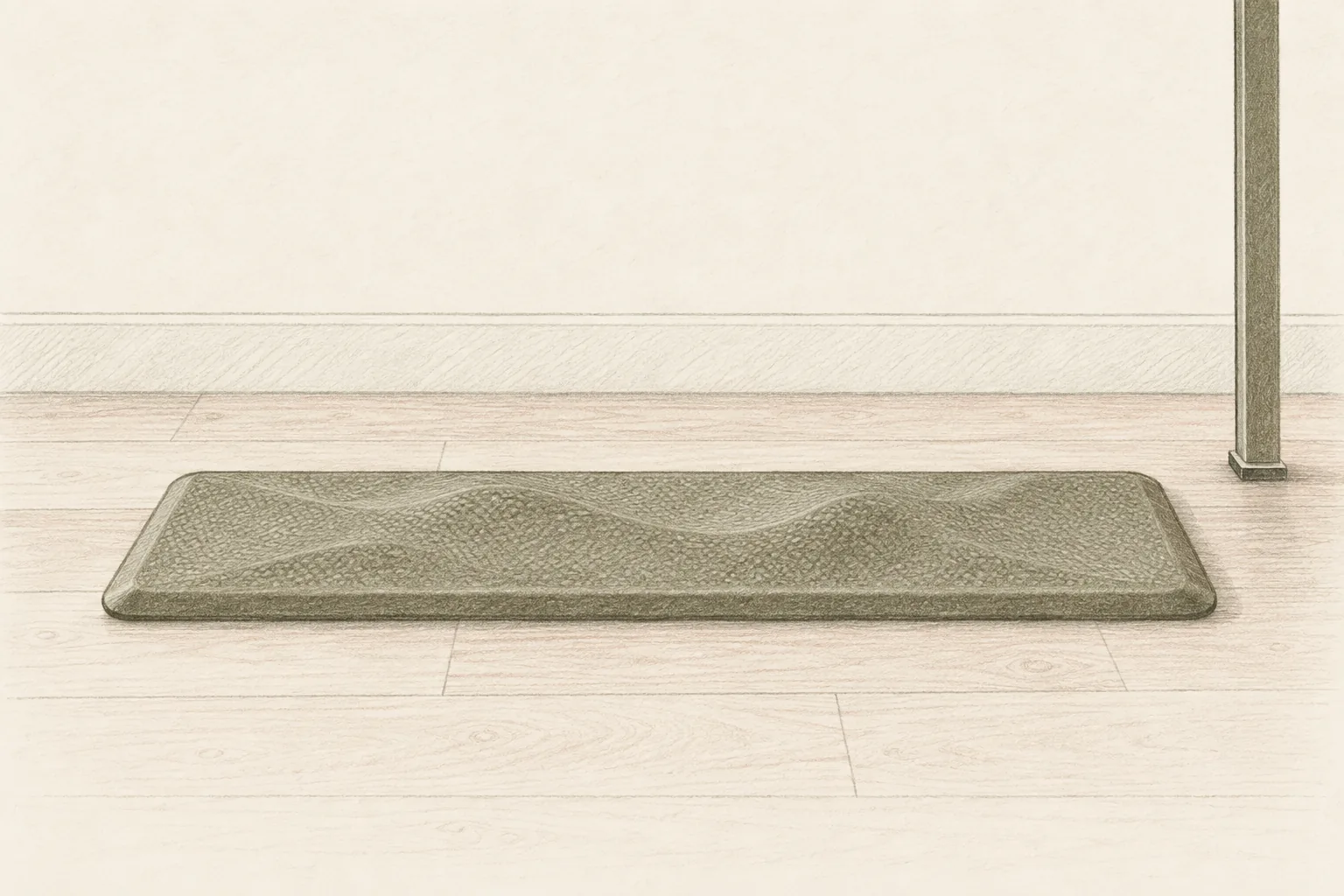
Best Anti-Fatigue Mat for Standing Desk (2026): Picks That Keep You Standing
Accessories
The best anti-fatigue mat for a standing desk is the Ergodriven Topo because its raised terrain keeps your feet moving. Choose FEATOL for a compact mat or ComfiLife for a flat, budget-friendly pad.
Our picks
The best anti-fatigue mat for a standing desk for most people is the Ergodriven Topo Standing Desk Mat. The FEATOL Anti Fatigue Mat wins when space is tight, and the ComfiLife Anti Fatigue Floor Mat is the flat, budget-friendly pick.
Standing still is the problem. On a hard floor your feet, knees, and lower back hold one position for hours, and that is what wears you out by mid-afternoon. A cushioned mat gives a little underfoot so your muscles keep making small adjustments, and a textured mat gives your feet shapes to shift across. That movement is why people stand longer on a good mat.
A mat only fixes the floor. If your lower back is the issue, add a posture corrector or a foam roller for after the shift. Everything here sits in the recovery accessories aisle next to the best massage gun picks. For balance or rehab work at the desk, our balance pad guide is the closer match.
Why a flat floor wears you out
Hard floors bounce nothing back. Every minute you stand, your feet and legs absorb the full load, and your muscles stay tense to keep you steady. After an hour or two that shows up as sore heels, tired calves, and a stiff lower back.
A cushioned mat changes the surface under you. The foam compresses and rebounds, so your leg muscles make constant small movements that keep blood moving. That is the whole mechanism, and it is why the mat works better than standing on a rug.
Movement matters more than softness. A mat that is too soft leaves you unstable, and unstable is tiring in a different way. Firm rebound and a surface that lets you shift your stance beat a deep, squishy pad.
Ergodriven Topo Standing Desk Mat
This is the pick for people who stand for real stretches. The terrain is raised and uneven on purpose, so your feet move across it instead of staying planted. That movement is what keeps you comfortable past the first twenty minutes.
The foam is thick and durable, and the mat is sized for one standing position. It costs more than a flat kitchen mat, and the difference is the shape rather than the thickness.
Buy it if you stand for hours and want to keep moving. Skip it if you sit down often during the day or you just want a simple flat pad.
FEATOL Anti Fatigue Mat
This is the compact option. The extra-thick memory foam cushions well, and the low beveled edge keeps the transition from floor to mat smooth. The PU leather top wipes clean, which helps in a kitchen as much as at a desk.
It suits one spot rather than a long run of floor. If you like to shuffle sideways while you work, a bigger mat may fit better.
Buy it if you have a tight space and want a firm, easy-clean mat. Skip it if you want a soft, squishy feel or a wide standing area.
ComfiLife Anti Fatigue Floor Mat
This is the best flat mat for the money. The high-density foam core holds up over long use, the bottom grips hard floors, and the top is waterproof and easy to clean. It comes in a few sizes, so you can cover a sink or a single desk spot.
The tradeoff is the flat surface. You get cushioning but no terrain to shift across, which is the one thing the Topo does better.
Buy it if you want a firm, durable mat for a kitchen, laundry room, or standing desk. Skip it if you want a raised, movement-friendly surface.
Size, thickness, and where it goes
Measure your stance first. Stand where you work and note how far your feet move side to side. A mat that is too small means you step off it during the day, which defeats the purpose.
Match thickness to the floor. Concrete and tile want a thicker mat, and a wood or laminate floor over a subfloor needs less. Most home desks land at three-quarter inch to one inch.
Check the edges and the base. A beveled edge lowers the trip risk, and a textured or non-slip bottom keeps the mat from sliding when you shift your weight. On a smooth floor, keep the underside clean so the grip works.
Plan for sitting. If you alternate between sitting and standing, decide where the mat goes when you are seated. A textured mat has to be moved, and a flat one can stay put under your chair.
Who should skip an anti-fatigue mat
Skip it if you only stand for short bursts. The mat pays off once you are on your feet for an hour or more. For a few minutes at a time, a supportive pair of shoes is enough.
Skip it if you have balance problems. A mat adds a soft edge and a slight height change, and that is a real trip risk for some people. Talk to a clinician or physical therapist before adding one.
Skip it if your pain is in your back, not your feet. A mat helps the lower chain. If your lower back hurts regardless of the surface, look at posture and chair setup, and see our posture corrector guide.
Bottom line
Start with the Ergodriven Topo Standing Desk Mat if you stand for hours and want to keep moving. Choose the FEATOL Anti Fatigue Mat for a compact, firm, easy-clean mat, or the ComfiLife Anti Fatigue Floor Mat for a flat pad that costs less.
Measure your stance, match the thickness to your floor, and stand in supportive shoes. Buying through the links on this page supports more guides like this at no extra cost. Browse the rest of the recovery accessories picks, or start with the blog for the full home recovery stack.
Frequently Asked Questions
What is the best anti-fatigue mat for a standing desk?
The Ergodriven Topo Standing Desk Mat is the best pick for most people because the raised terrain keeps your feet moving, which is what makes long standing bearable. Choose the FEATOL Anti Fatigue Mat for a compact spot, or the ComfiLife Anti Fatigue Floor Mat for a flat mat at a lower price.
Do anti-fatigue mats actually work?
They help. A cushioned mat spreads pressure across your feet and lets your leg muscles make small adjustments instead of locking in place, which is what causes the ache. No mat replaces breaks, good shoes, and time off your feet, but the right one lets you stand longer.
How thick should a standing desk mat be?
Three-quarter inch to one inch is the sweet spot for most home desks. Thicker feels plusher but can feel unstable and make your ankles work harder. Thinner than half an inch bottoms out under a heavier sitter. Match the thickness to your floor and how long you stand.
Is a flat mat or a textured mat better?
A textured mat with raised shapes keeps you moving, which many people find easier on the body over hours. A flat mat is simpler, cheaper, and easier to clean. If you stand for long stretches, the movement of a textured mat is worth the extra cost.
Can I use a kitchen mat at my standing desk?
Yes. Kitchen anti-fatigue mats and desk mats are the same idea, and plenty of people use one at both. Just check the size fits your stance and the bottom grips your floor. A very thin or decorative kitchen mat will not do much.
How do I clean an anti-fatigue mat?
Wipe the top with a damp cloth and a little soap, then dry it. Most have a wipe-clean surface that resists stains. Clean the floor under the mat now and then so grit does not scratch a hard floor or break down the non-slip backing.
What shoes should I wear on a standing mat?
Supportive shoes or firm slippers work better than bare feet for long standing, because they add their own cushioning. Barefoot or in socks is fine for short sessions. If you stand all day, rotate shoes and use the mat as one part of the setup, not the only fix.
When should I skip a standing mat?
Skip it if you only stand for a few minutes at a time. The mat matters once you are on your feet for stretches of an hour or more. Skip it too if you have balance problems or a floor you cannot keep dry, since a mat adds a soft edge and a trip risk.